The workspace next to the conversation
Press CtrlE: browse the linked folder, open files beside the chat and watch the agent’s cursor move as it writes.
// local-first coding agent · v3.0.0 · MIT
A coding agent that reads and edits your files, runs commands and keeps todos — on the desktop and in your terminal.
Not a textbox over a model — files, diffs, history, memory and shortcuts living in one window.
Press CtrlE: browse the linked folder, open files beside the chat and watch the agent’s cursor move as it writes.
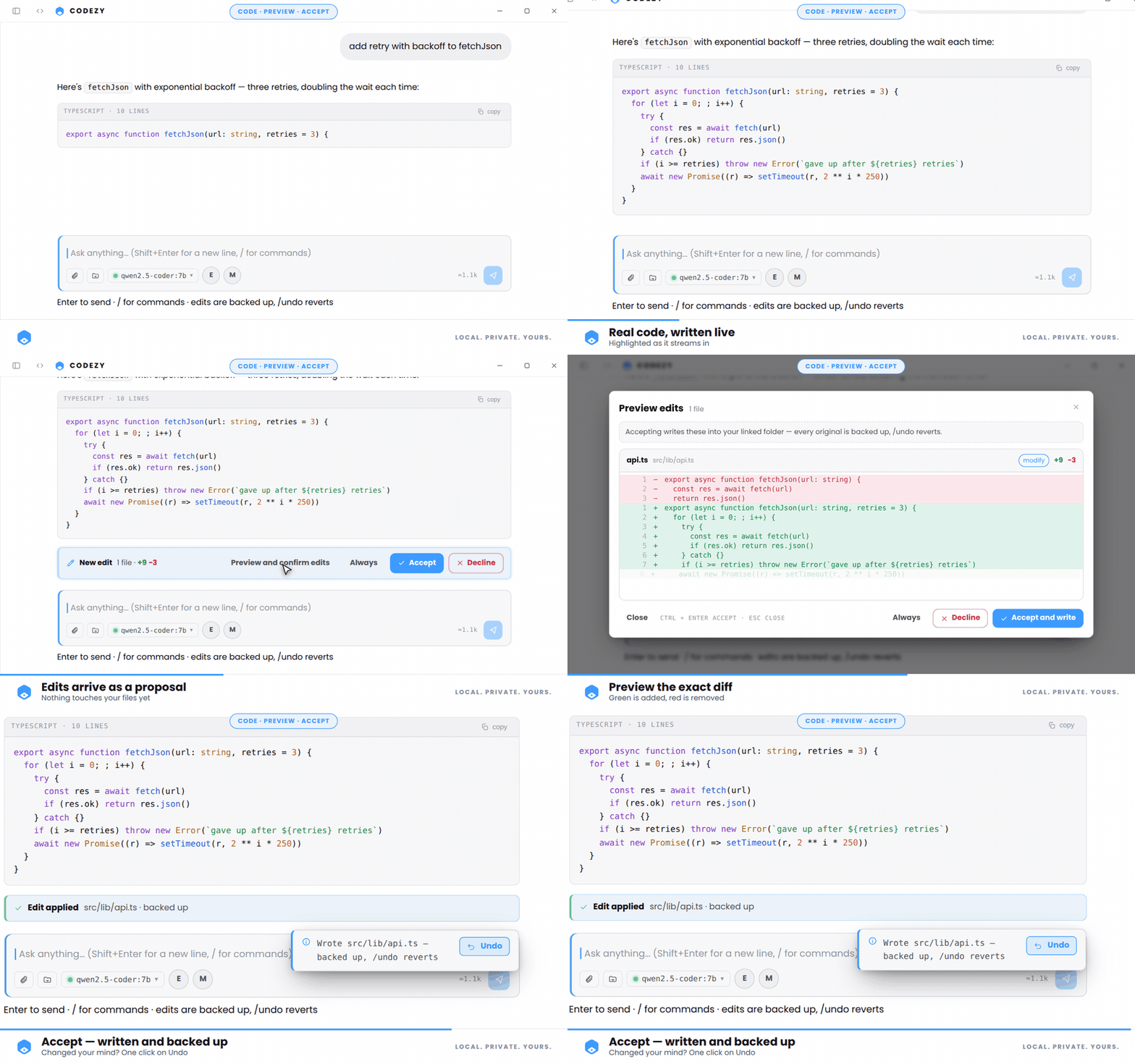
Review the diff hunk by hunk, keep exactly what you want, and one /undo steps the whole batch back.
Add any stdio MCP server in Settings; its tools join the agent in build mode. One broken server never blocks a run.
/history lists every safety copy taken before a write. Restore any point — confinement and a binary guard included.
Pin facts to memory.md with # fact, and switch on prompt playbooks with /skill.
Thirty-plus shortcuts, a Ctrl+K palette over every command, and Esc closes whatever is open.
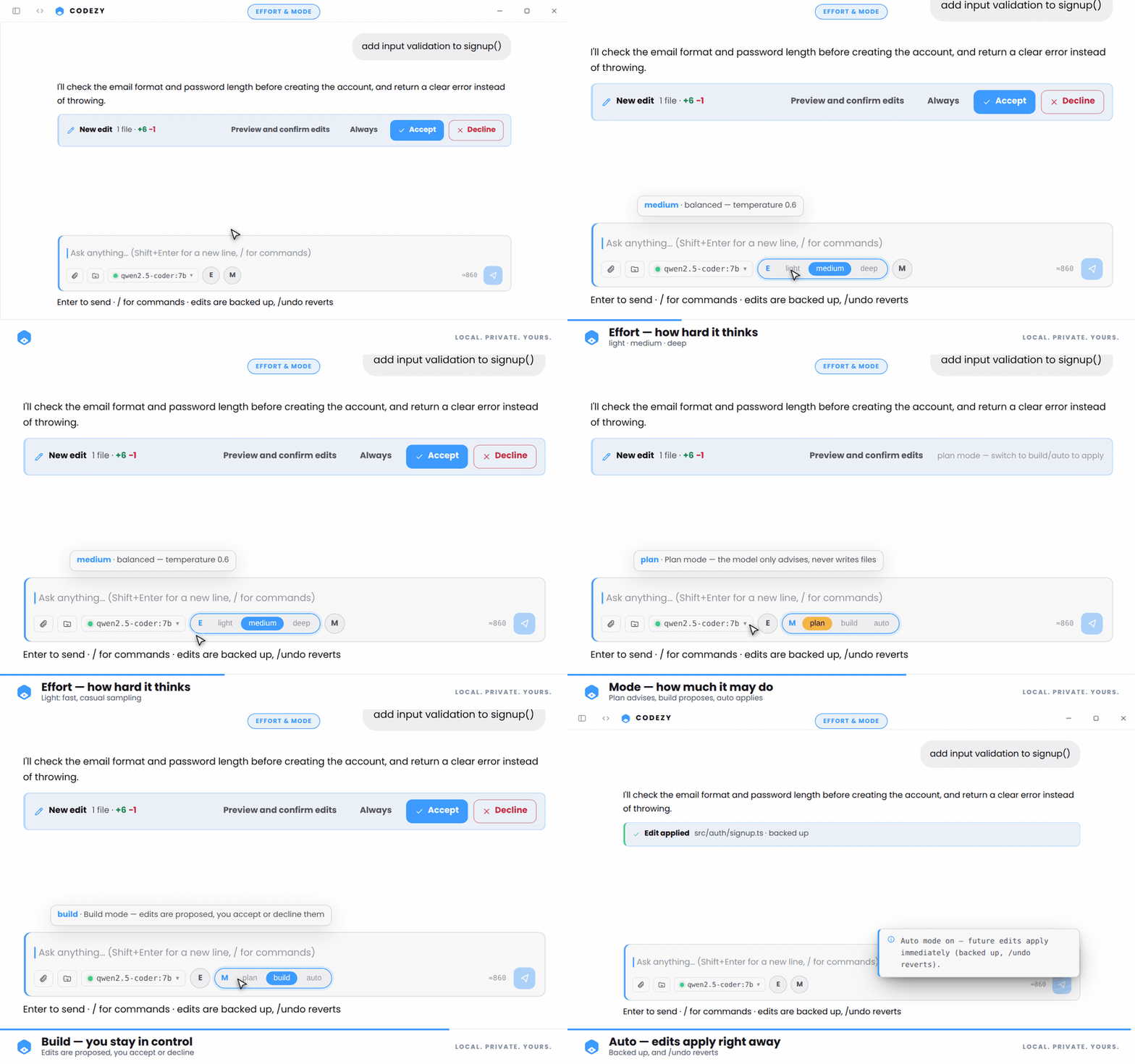
Plan asks, build shows you the diff, auto applies. Every write is backed up either way.
The registry refuses mutating tools in plan mode. The agent reads, greps and reasons, then hands you a plan — nothing on disk changes.
Each change arrives as a real diff you review hunk by hunk. Accept, always-allow or decline — and it is saved with a backup before anything lands.
For the ones who already trust it: writes land straight away, still snapshotted first. /undo reverts the batch, /history goes further back.
The desktop app and the codezy CLI run the same harness — same tools, same approval gate, same hooks.
the Electron window — cowork pane, diff previews, themes, images
the terminal companion — no build needed, 33 commands, vim mode
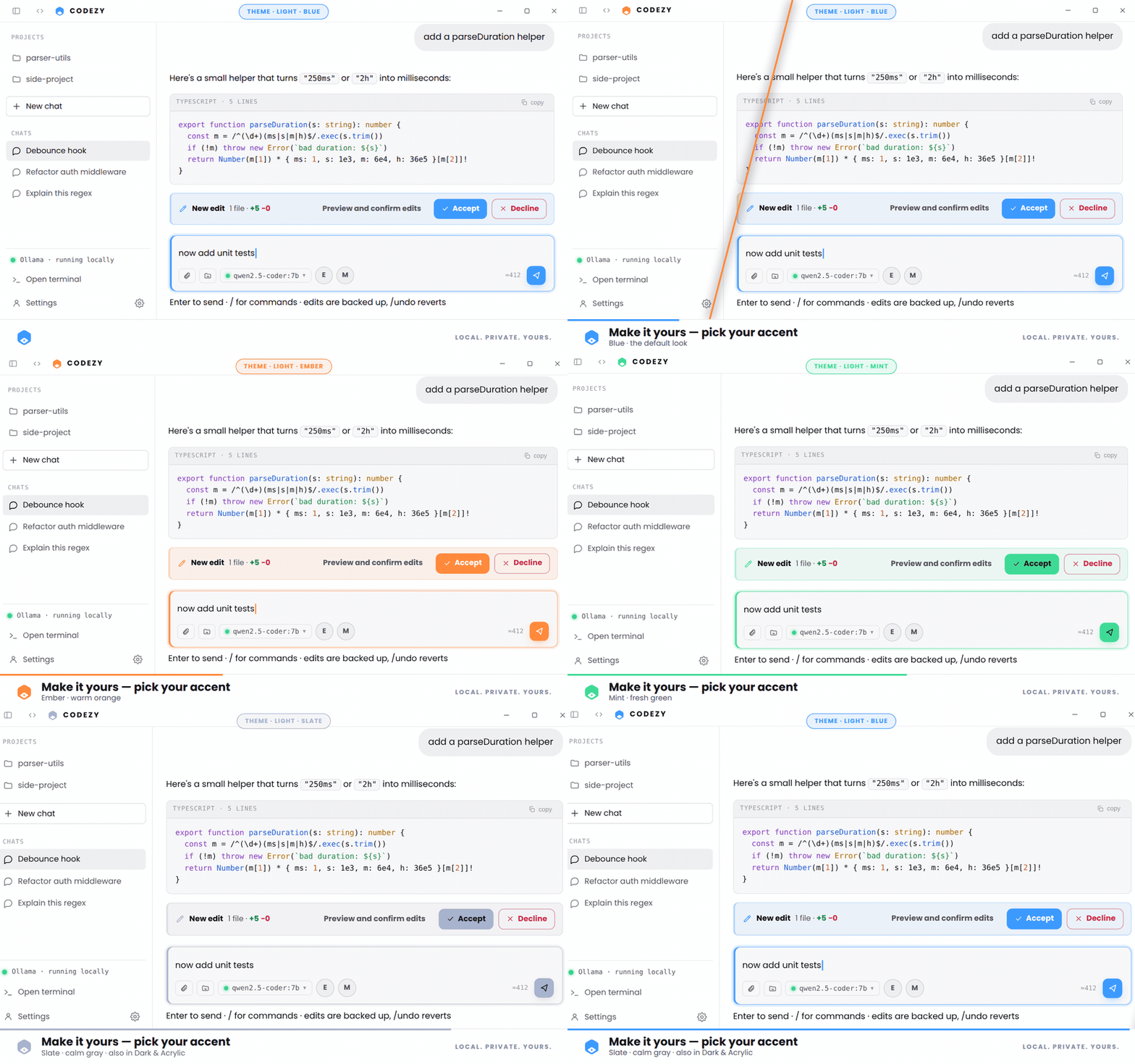
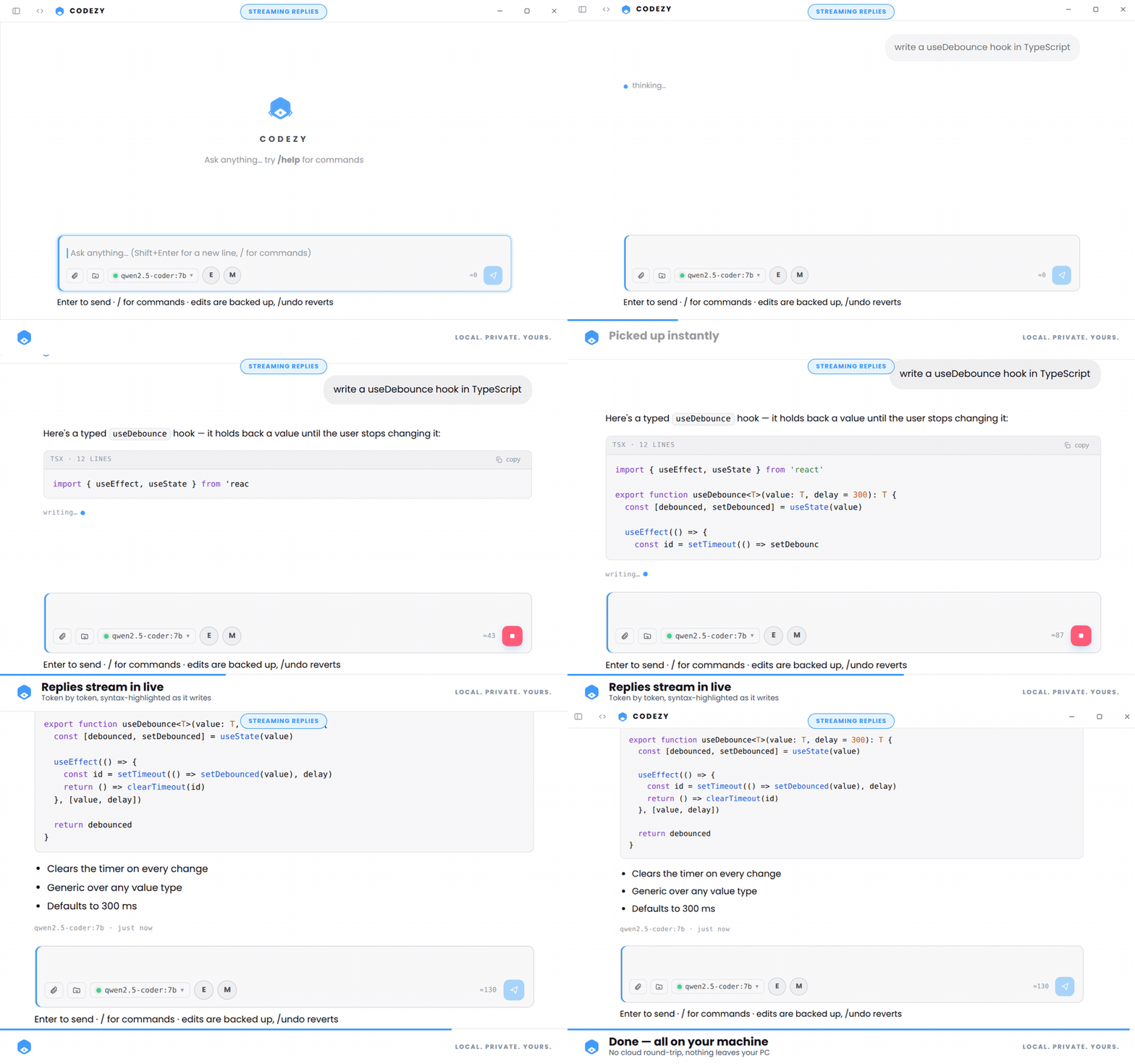
Fifteen seconds of the app, then five close-ups — recorded straight from CODEZY on Windows.
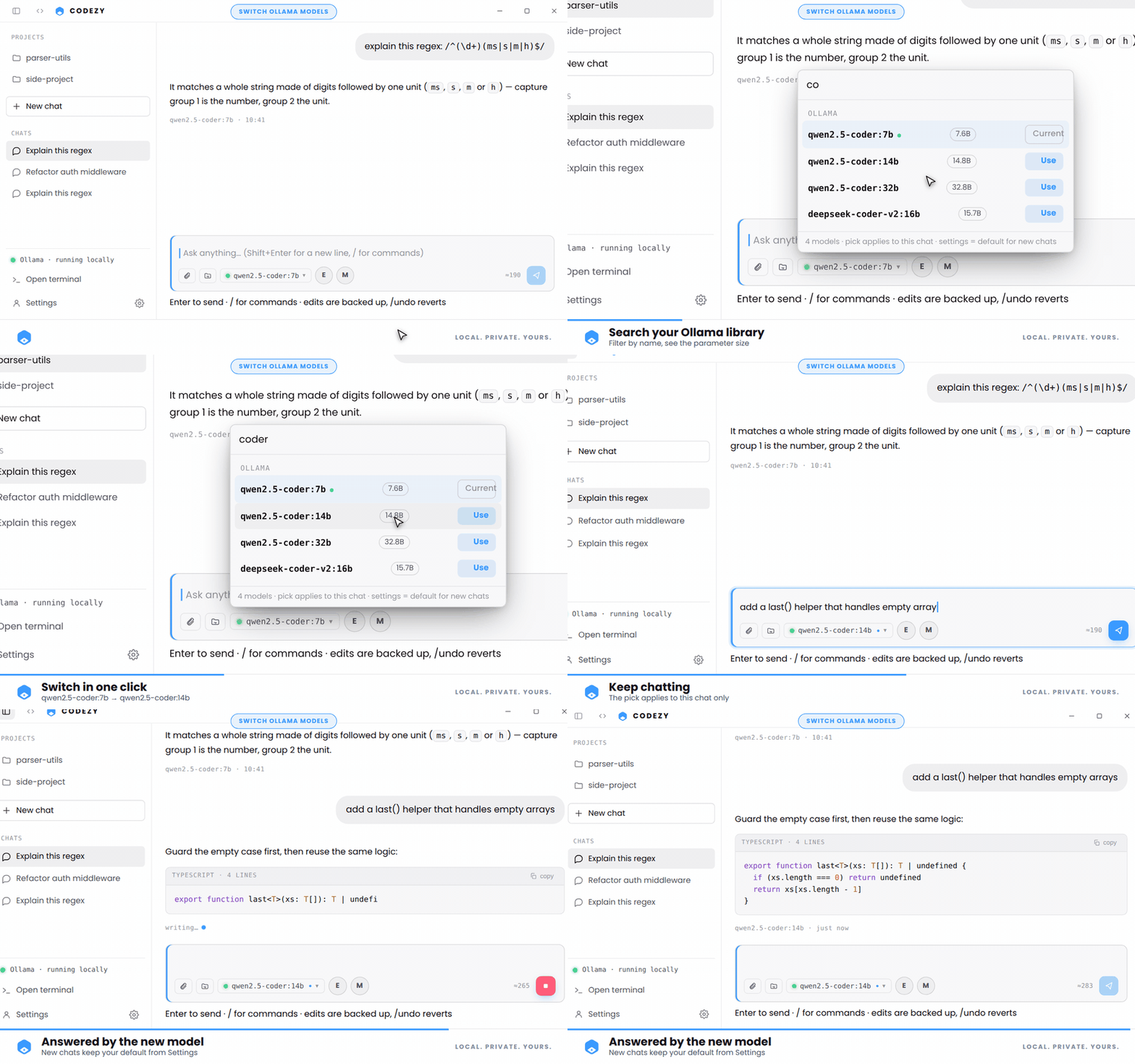
CODEZY starts ollama serve for you on launch — or point it at any OpenAI-compatible endpoint.
# 1 — install and build
$ npm install
$ npm run build
$ npm run preview
Install Node.js LTS and Ollama, pull the default model qwen2.5-coder:7b, then build. Prefer the terminal? node cli/index.mjs needs no build at all.